Edit your UI directly. No prompts, no file hunting.
ThemeLab is a local CLI browser overlay for your dev server. Click any element, edit its Tailwind classes or shadcn/ui theme variables, and changes write to source instantly. Faster than describing it. Cheaper than asking an agent.
curl -fsSL https://themelab.dev/install.sh | bash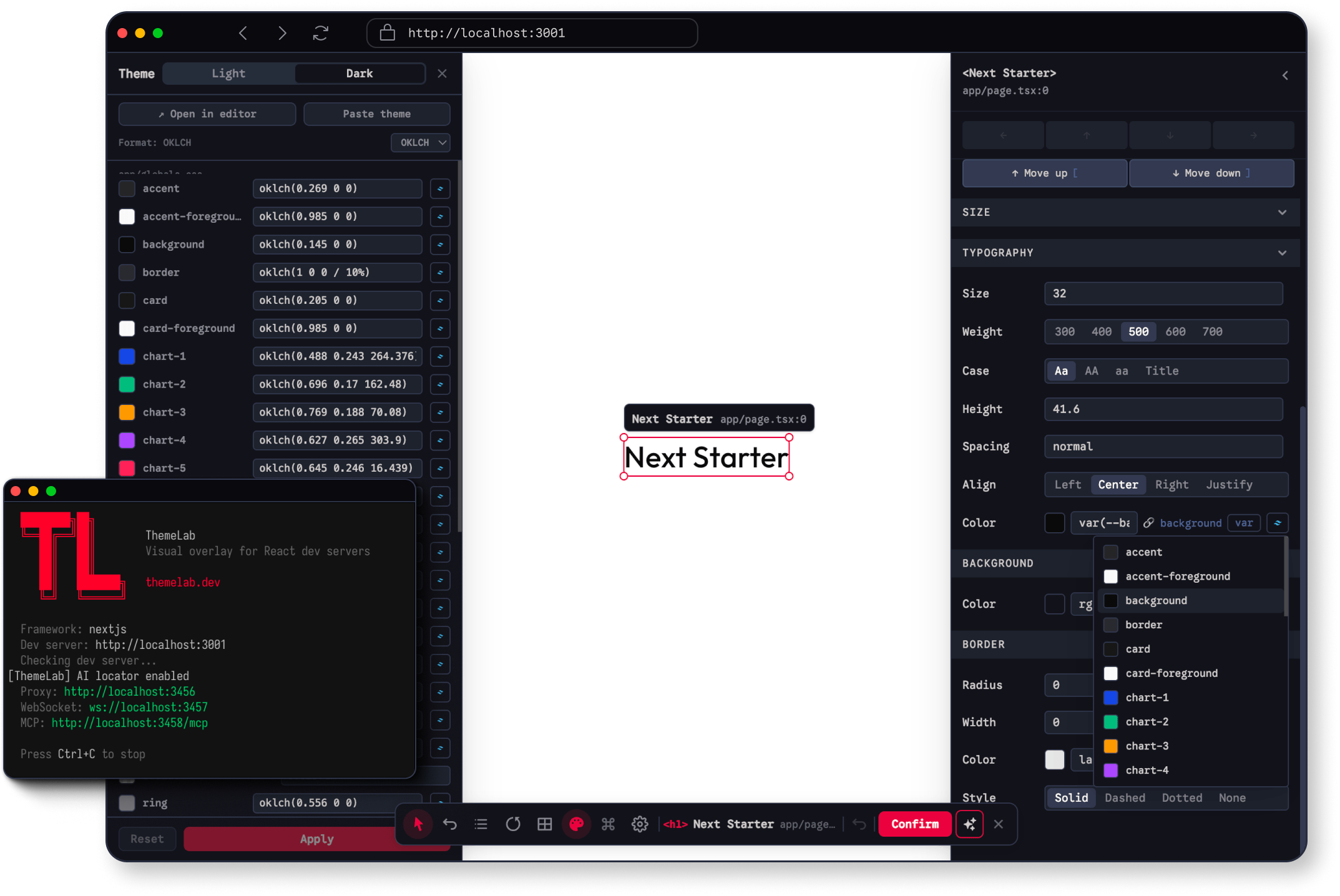
Polishing a UI in code has always been slower than it should be.
ThemeLab cuts the loop. Your app is the editor.
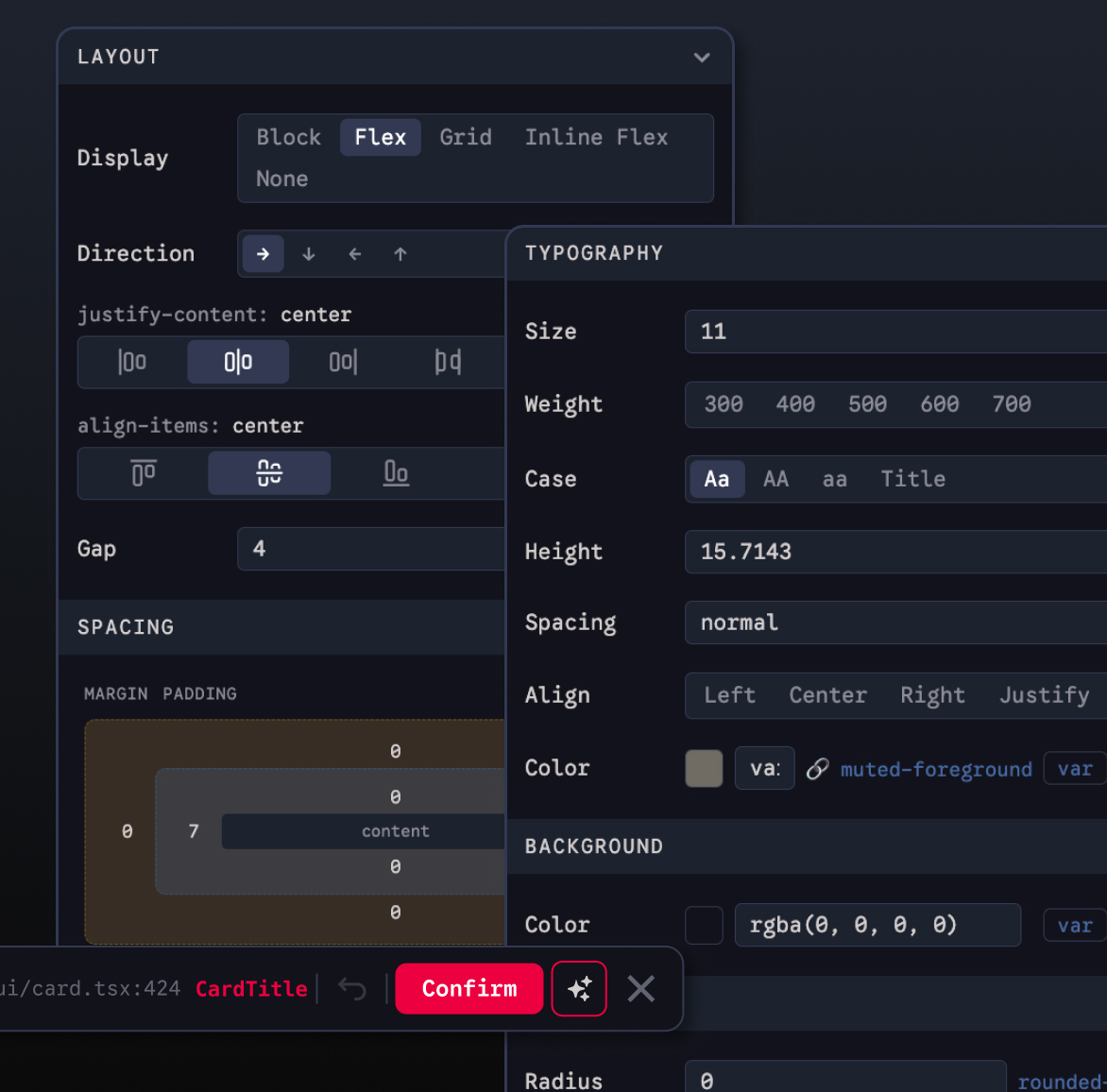
Direct manipulation
Click any element on your running app and edit its Tailwind classes in a panel. Changes write to source immediately — no switching contexts, no reloading.
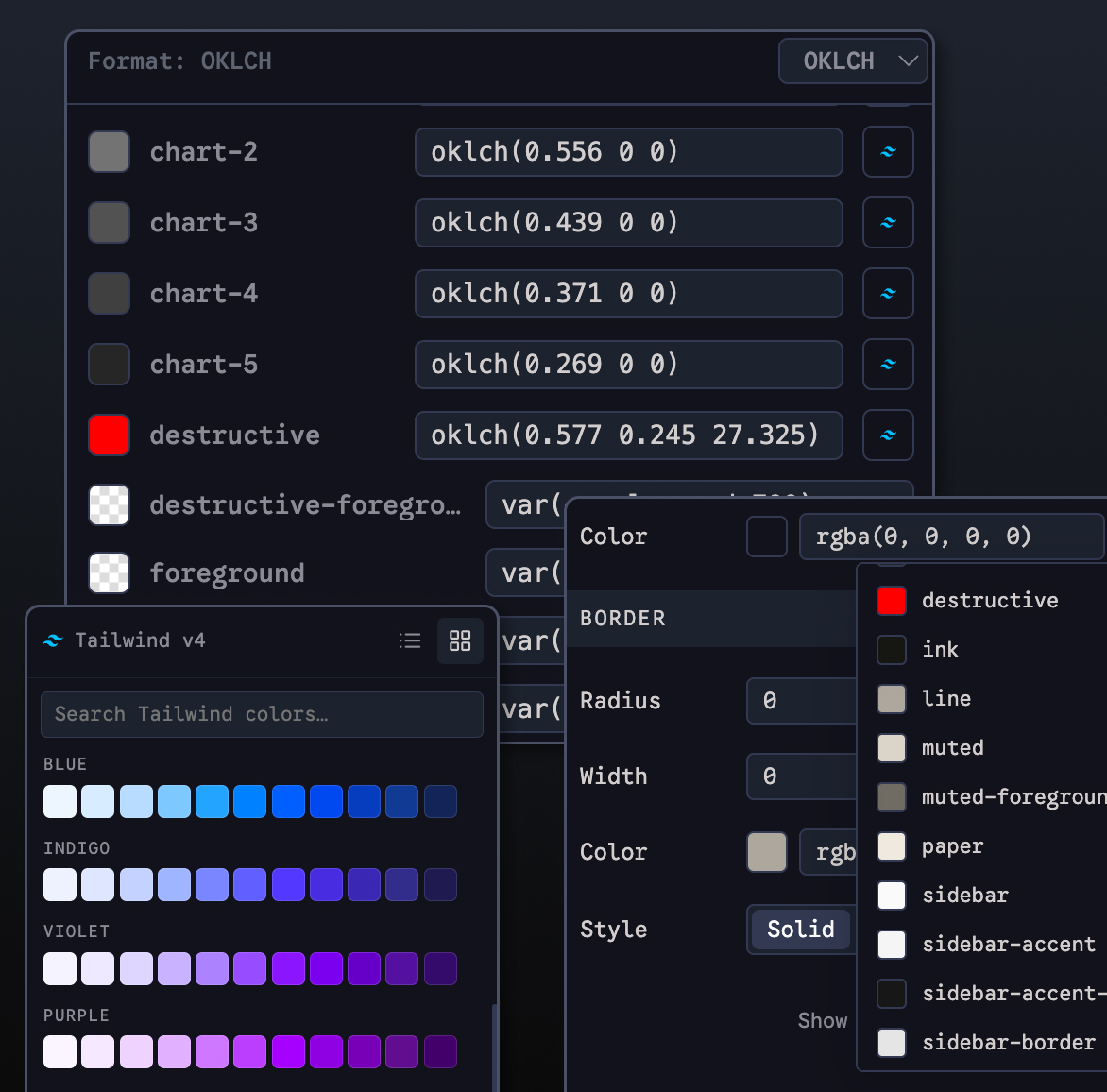
Theme editing in real time
Adjust shadcn/ui theme variables and see the cascade across your entire page as you go. Color, radius, spacing, dark mode — all live.
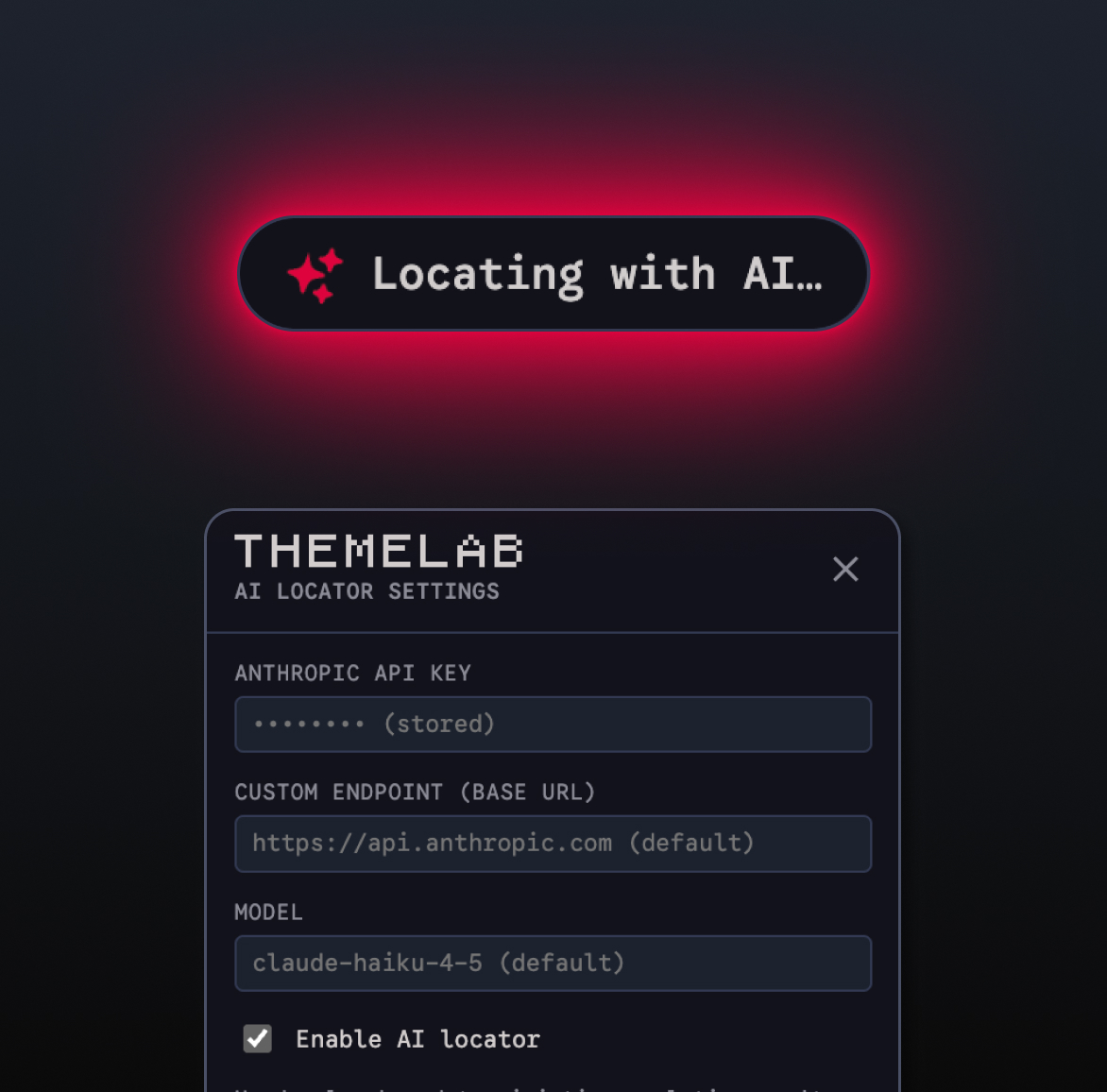
AI as fallback, not the interface
When the engine can't resolve a source location, AI steps in, finds it, and hands back control. You never notice it — which is the point.
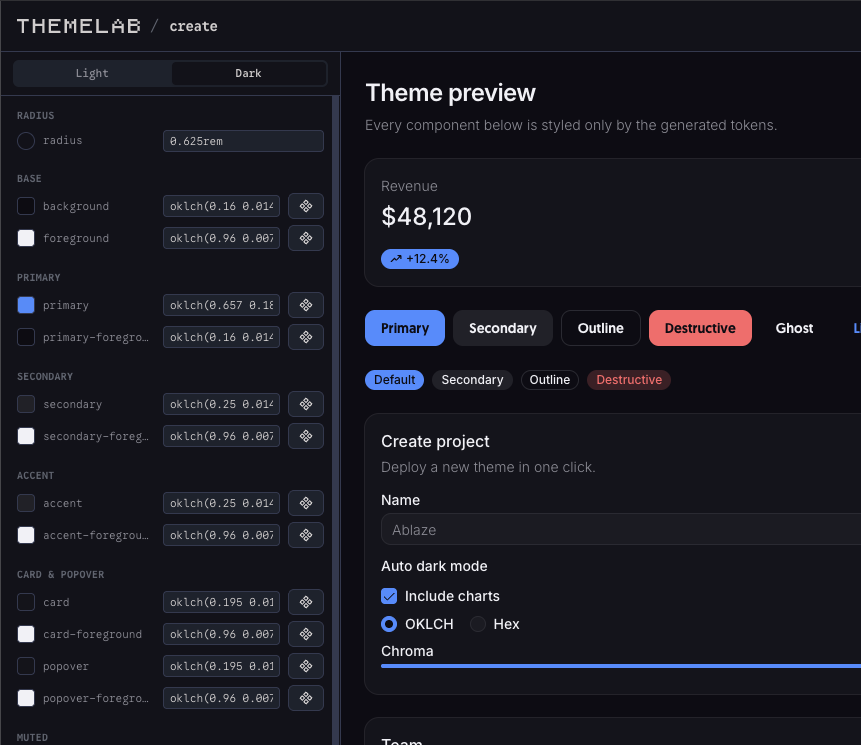
Generate a theme.
Apply it live.
ThemeLab.dev includes a web-based theme creator — build a full shadcn/ui theme from scratch, then open it directly from the overlay and paste it into your project. Design the theme, see it on your actual app, ship it. No config file guessing.
Create a ThemeWho It's For
If you've ever asked a coding agent to move something 4px and waited 30 seconds for it, this is for you.
For designers using AI who want fast UI edits. For design engineers who work in code like others work in Figma. For frontend devs who know what needs to change and just want to change it.
How It Works
- Install ThemeLab and run it alongside your dev server
- Click any element on your app to open the edit panel
- Edit classes, theme variables, text, or layout directly
- Changes write to source. Browser updates immediately.
- Open the theme creator on ThemeLab.dev to build or import a full theme
Your app is the canvas.
Install ThemeLab and start editing.
curl -fsSL https://themelab.dev/install.sh | bash